Start here
Adding Your Links
Link modes, supported platforms, custom icons and the bio fields under your name.
Open the Links dashboard to manage everything your page shows. Changes auto-save shortly after you stop editing, and there is a manual Save button too.
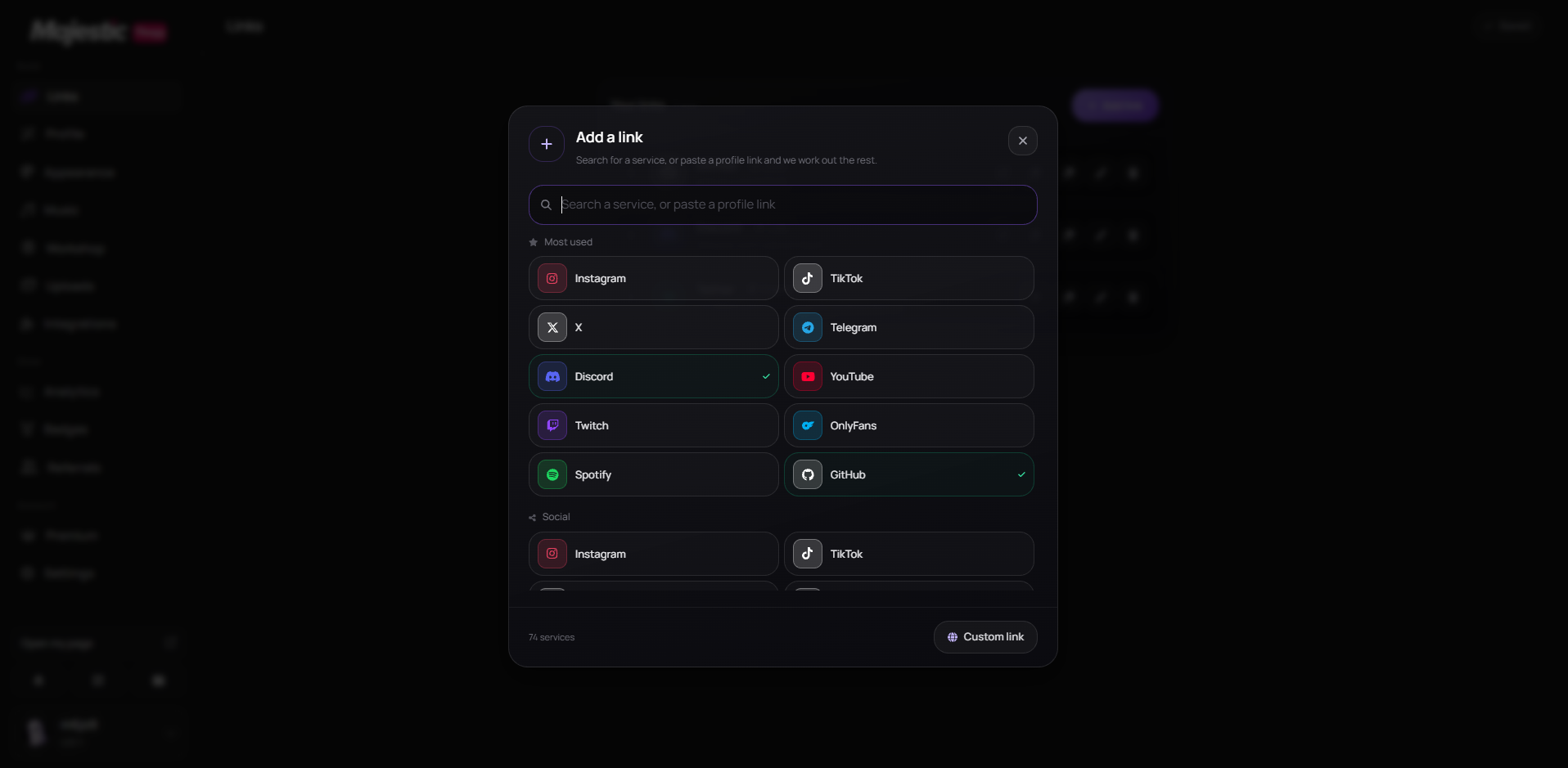
Three link modes
- Link — opens a normal URL.
- Copy text — copies any text to the clipboard when tapped.
- Crypto — stores a wallet address visitors tap to copy.
Paste to detect
Paste any URL and the platform is detected automatically, so the right icon is chosen for you.
Supported platforms
- Social — Instagram, TikTok, YouTube, X, Telegram, Discord, Twitch, Snapchat, Kick, Facebook, LinkedIn, Reddit, Pinterest, Threads, WhatsApp, VK, Steam.
- Music — Spotify, SoundCloud, Apple Music.
- Dev and payments — GitHub, PayPal, Cash App.
- Crypto — Bitcoin, Ethereum, Tether, Litecoin, Solana, Dogecoin, BNB, TRON.
- Anything else — add a Custom link to any URL.
Ordering and hiding
- Drag to reorder — the order on your page matches the dashboard.
- Hide a link without deleting it when you need it back later.
- Put your strongest link first; most visitors only tap one.
Custom link icons
Premium accounts can replace any link icon with their own image.
- Formats: PNG, JPG, WEBP or GIF.
- Max size: 1 MB.
Bio, location and occupation
- A short bio sits under your name.
- Location and Occupation allow up to 30 characters each.
- Both are optional and appear as small chips on your card.
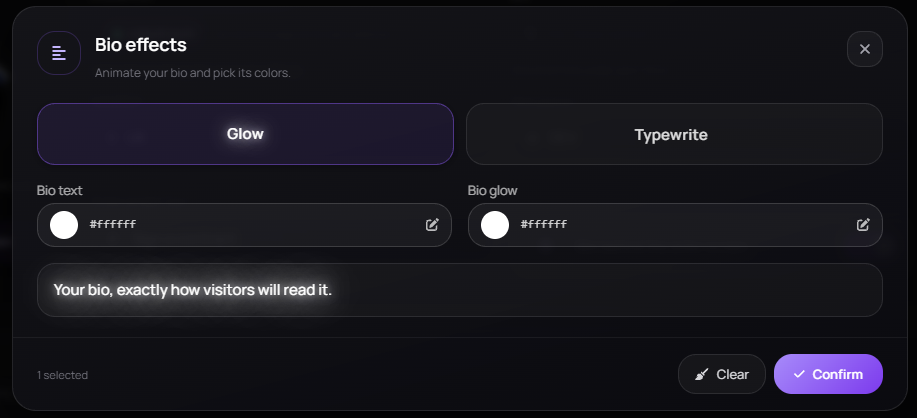
The bio carries its own motion too — turn on Glow or Typewrite and pick its text and glow colors from the Bio effects popover.
This did not solve it?
Open a ticket with Adding Your Links already attached, or ask in Discord where someone is usually awake.