Start here
Customize Your Profile
Backgrounds, colors, avatar, banner and the effects that shape how your page feels.
Everything visual lives in Customize → Appearance. Changes preview instantly, so you can keep the tab open while you tune.
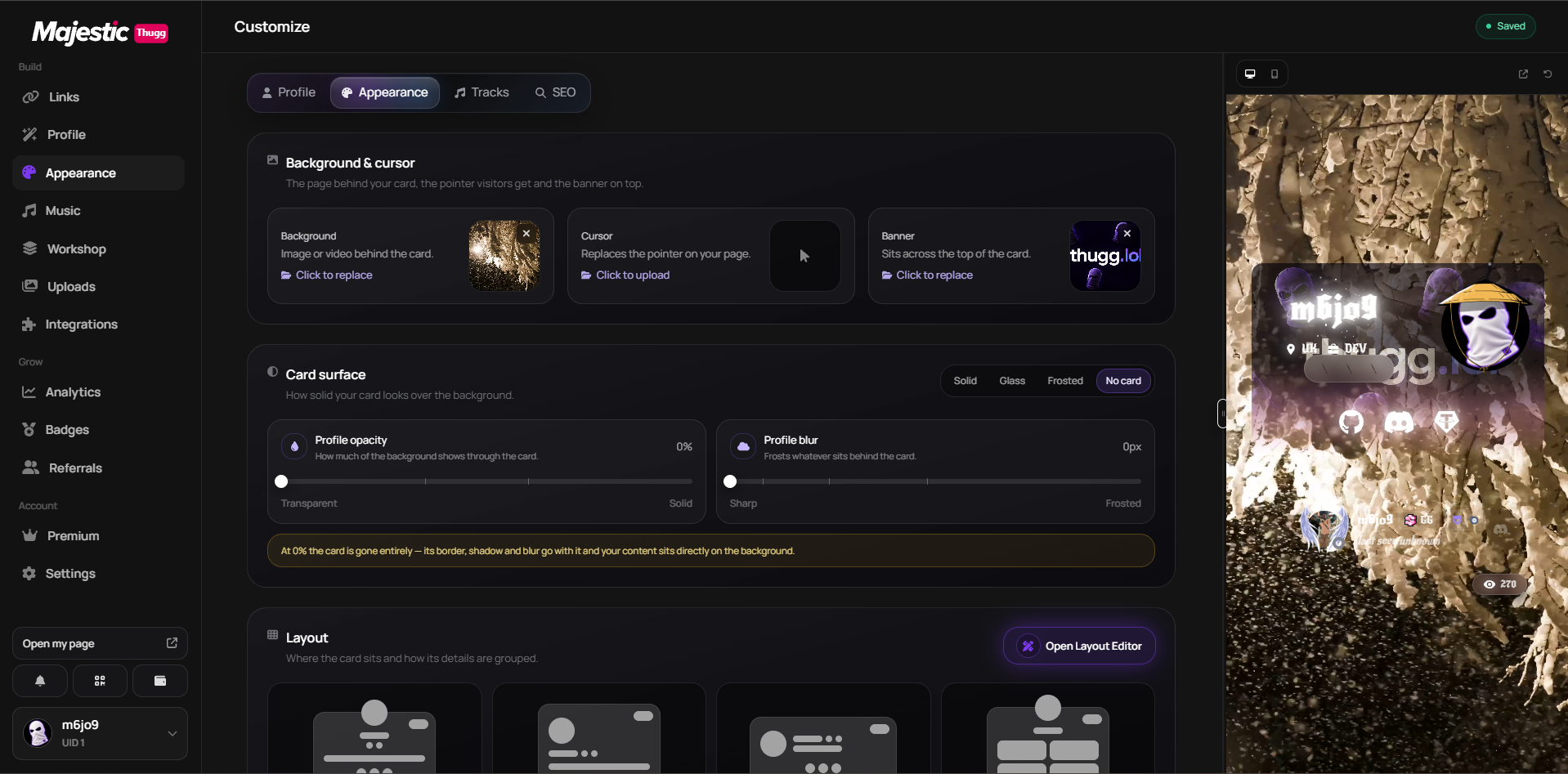
Backgrounds
- Types: gradient (default), solid color, uploaded image or uploaded video.
- Profile Opacity (0–100%, default 60%) controls how transparent your card is over the background.
- Profile Blur (0–100px) blurs the background behind the card.
Colors
Five independent pickers control the palette.
- Theme — buttons, highlights and icons.
- Name — your username.
- Text — body text.
- Background — the base color.
- Glow — the soft light around icons and your name.
Custom font
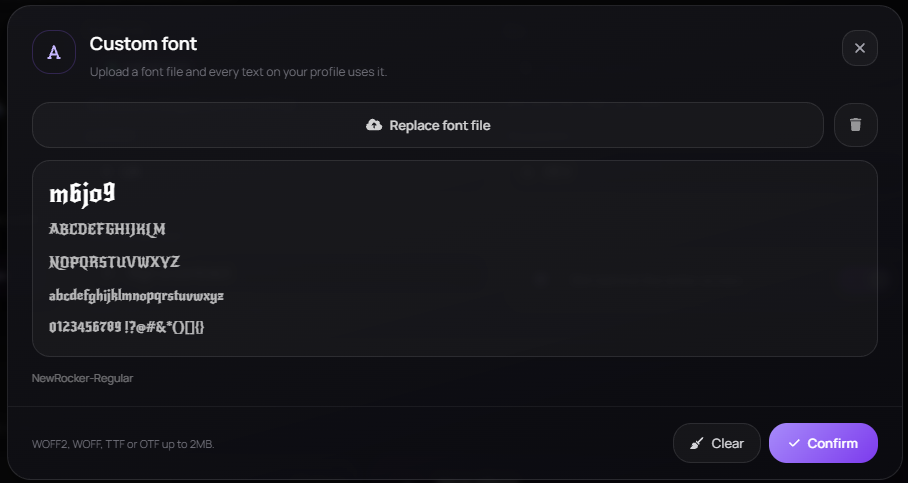
Upload your own font file and every text on your profile is redrawn in it — name, bio and links included. The picker shows a live specimen before you apply it.
- Formats: WOFF2, WOFF, TTF or OTF.
- Max size: 2 MB.
Avatar, banner and cursor
- Avatar shapes: Square, Soft, Rounded or Circle (default).
- Banner: a separate image behind the top of your card.
- Custom cursor: upload any image to replace the pointer on your page.
Effects
Effects add motion to the background, your name and the cursor. Every plan gets a free set and Premium adds the heavier ones — pick and preview them right here in Customize.
Where the lists are
The full catalogue, with what each one does and how to combine them, lives in Profile Effects and Username Fonts & Effects.
Enhancements
- Animated name — a smooth animated title.
- Tilting card — the card leans with your cursor.
- Glowing icons — glow on socials, badges and UI icons.
- Volume control — show a hover slider on your public page.
This did not solve it?
Open a ticket with Customize Your Profile already attached, or ask in Discord where someone is usually awake.